Overview
Hex-Rays makes IDA Pro, the disassembler and decompiler used by reverse engineers, malware analysts and vulnerability researchers. My Hex-Rays is its customer portal: the place customers go to activate the licenses they bought, then manage them along with their servers, billing and downloads.
Trust the process
What?
A self-service portal for IDA Pro customers, built around one core job: activating licenses. Around it sit license management, servers, billing and the download center.
Why?
Buying IDA Pro is only the first step: a license has to be activated before anyone can use it. Customers need to see at a glance what they own, what still needs activating and what is about to expire, without contacting support.
Where?
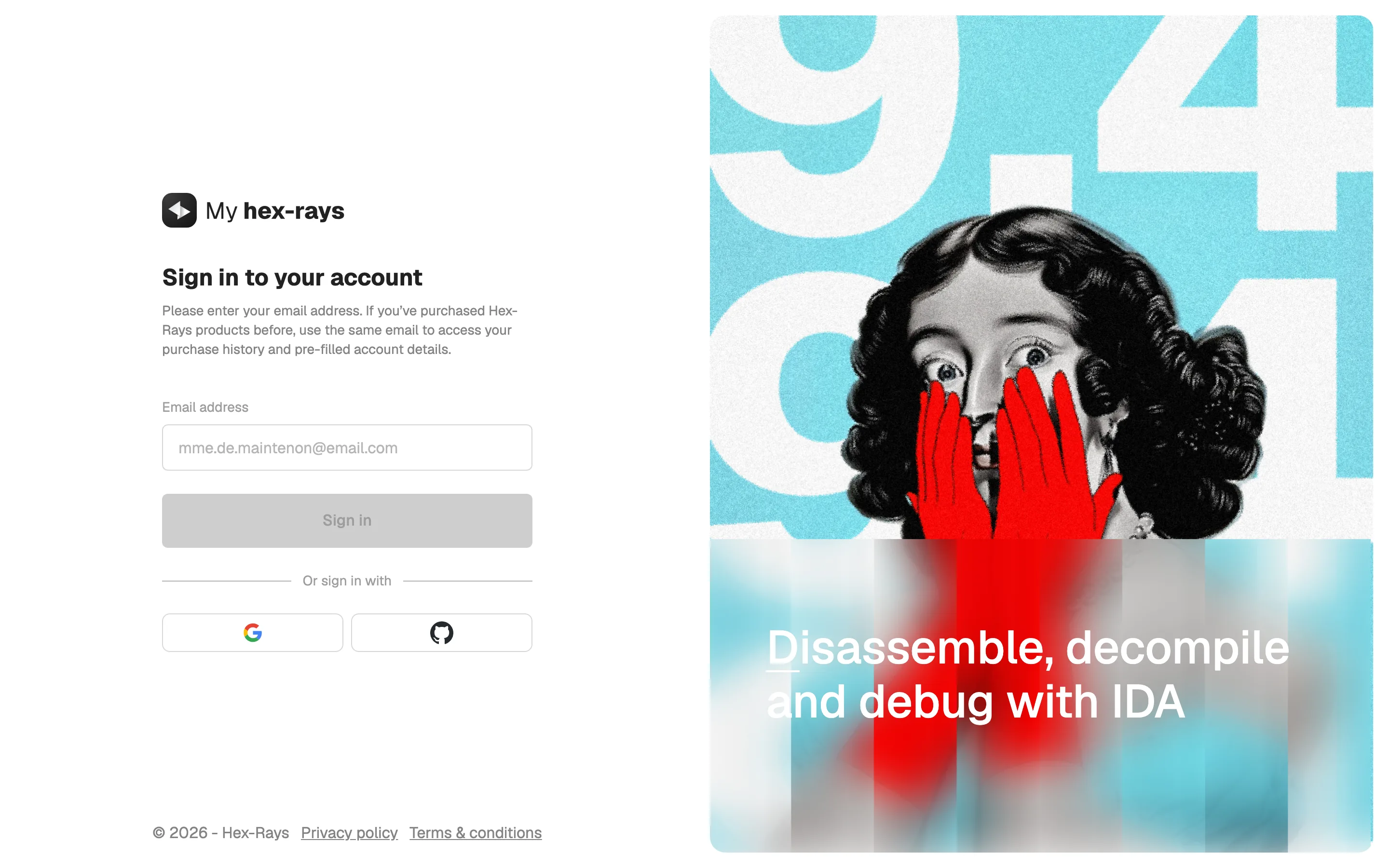
A web app that customers reach after purchase, signing in with email, Google or GitHub. It is also where they come back for installers, renewals and invoices.
How?
Activation is the primary action everywhere: pending licenses are flagged on the dashboard, and every license and server that still needs activating carries an "Activate Now" button where you expect it.
Execution
Dashboard
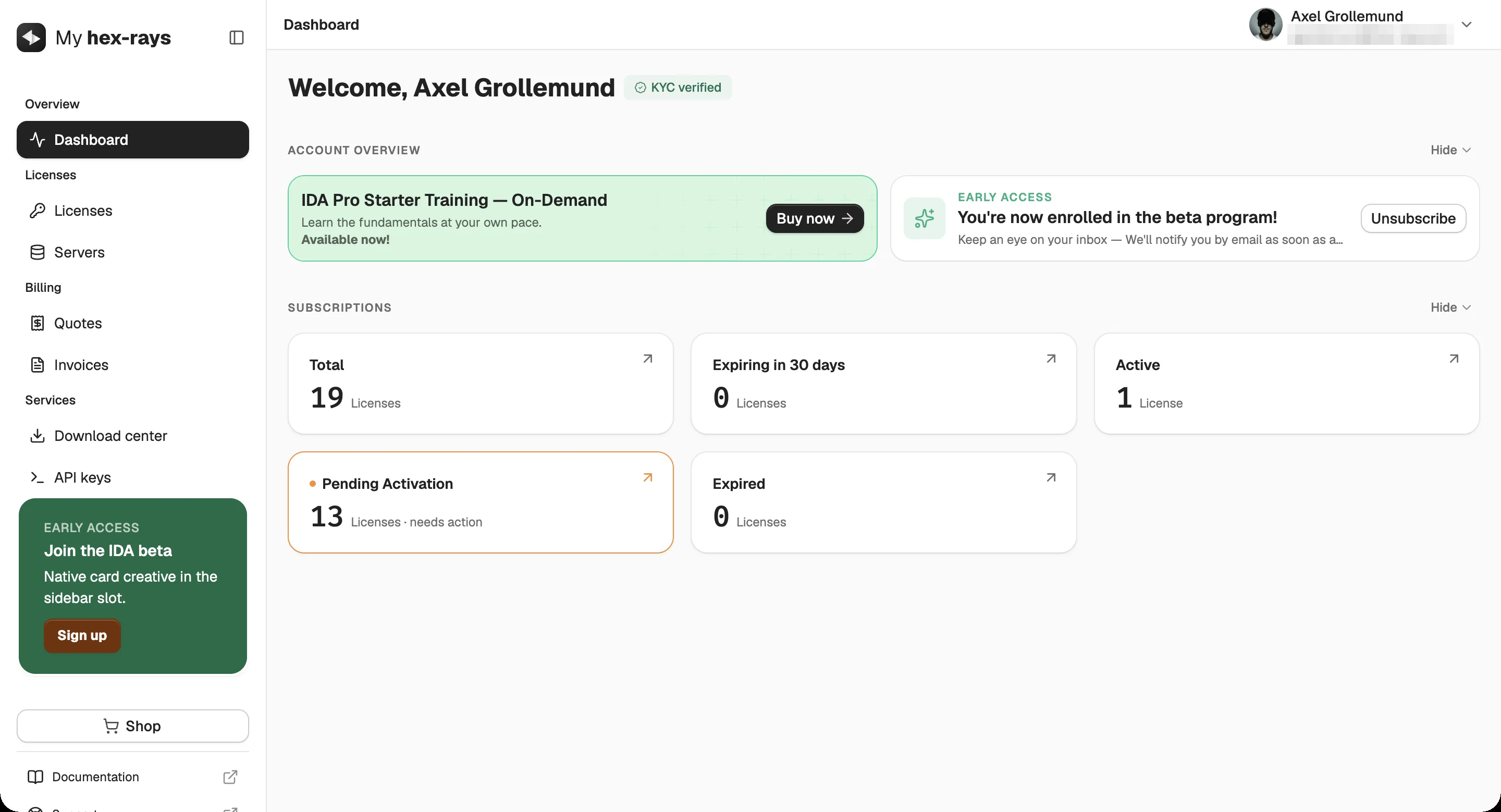
The dashboard leads with what needs doing. Licenses waiting for activation get their own highlighted card, marked "needs action", next to totals, active, expiring and expired counts. Every card links straight to the licenses behind it.
Licenses
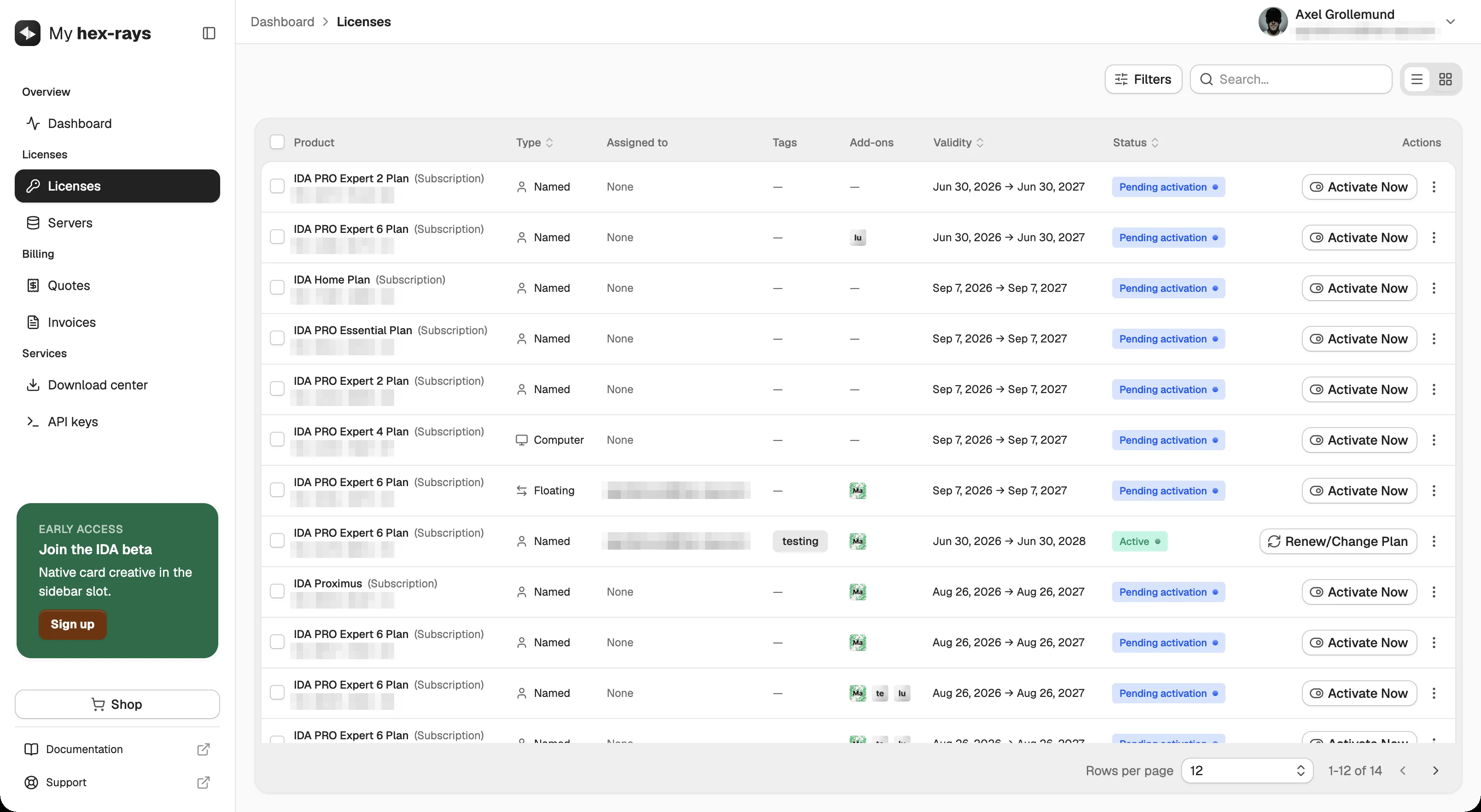
The licenses table shows every plan with its type (named, computer or floating), owner, tags, add-ons, validity and status. Activation is the primary action on each pending row, an "Activate Now" button, while active plans switch to renew or change plan.
Servers
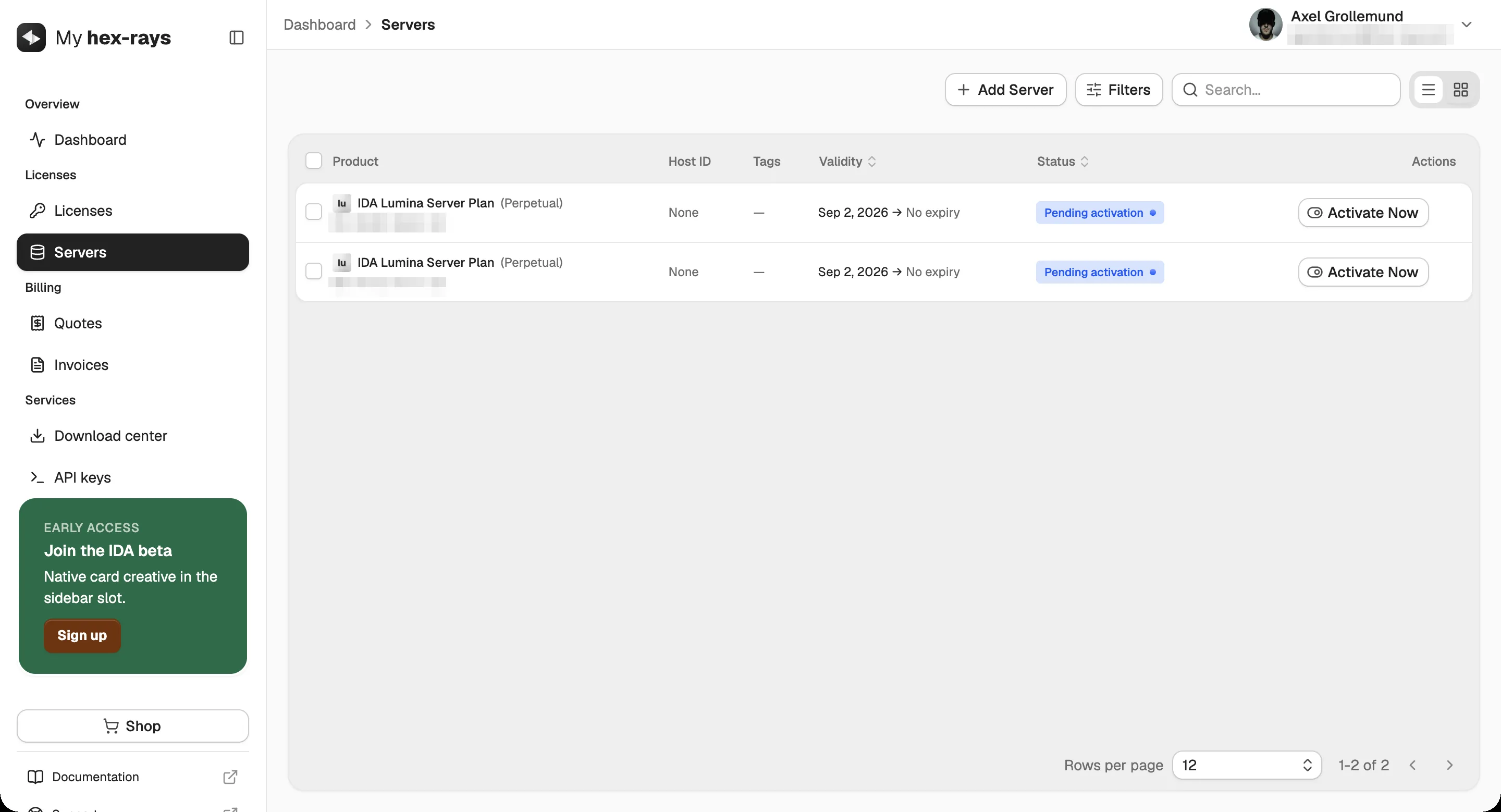
Server licenses follow the same pattern, so the activation flow is learned once: the status shows what is pending and "Activate Now" sits in the same place.
Download center
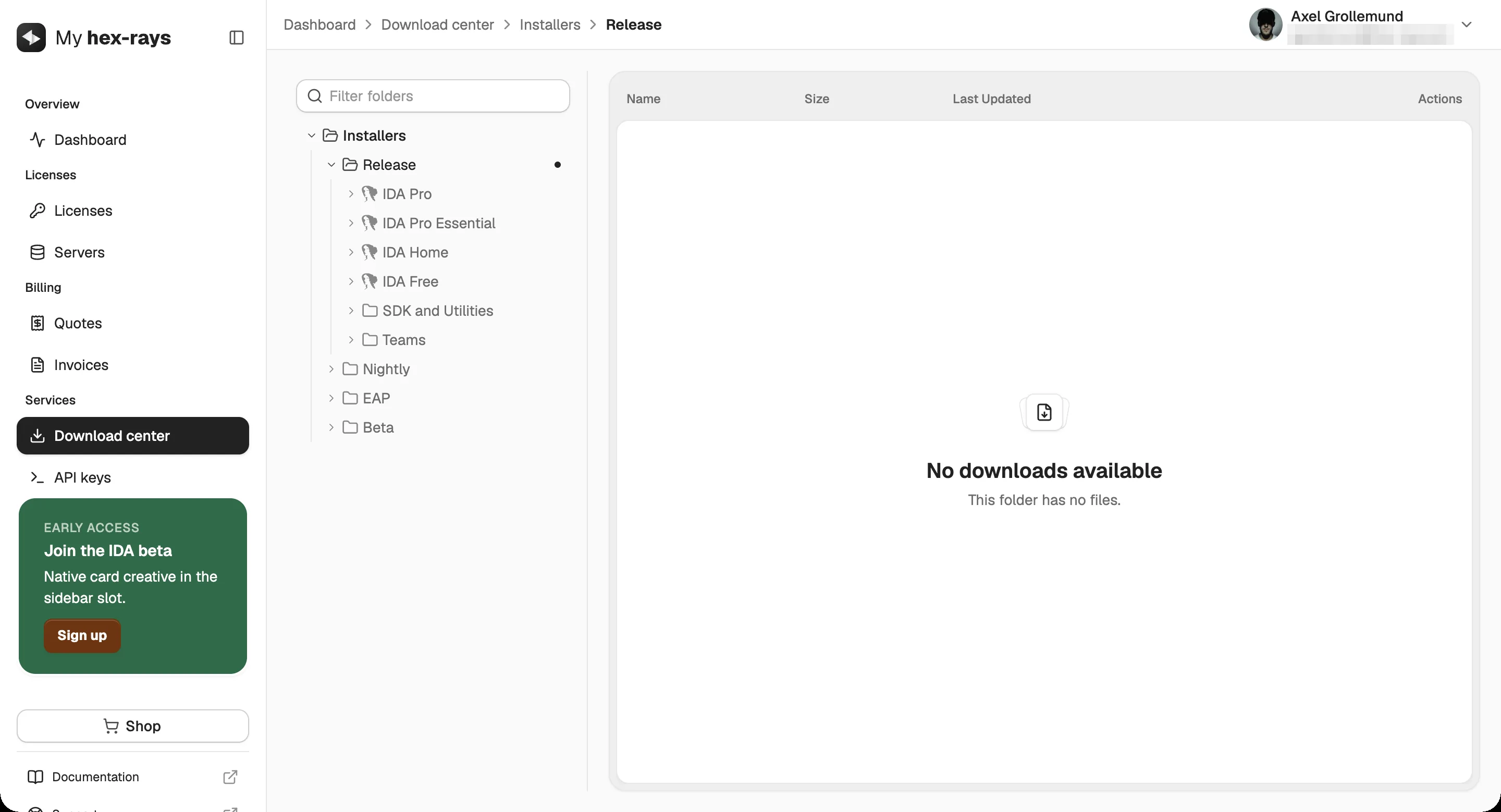
Once a license is active, the download center is where customers get IDA: installers organized by release channel (release, nightly, EAP and beta) and by product, from IDA Pro to the SDK.